![OPI_with_Tag_RGB_300dpi_3in_tall-1.png]](https://knowledge.opisystems.com/hs-fs/hubfs/OPI_with_Tag_RGB_300dpi_3in_tall-1.png?height=50&name=OPI_with_Tag_RGB_300dpi_3in_tall-1.png)
- Once the Monitor is powered on, Click on Menu Button on the Home Screen.
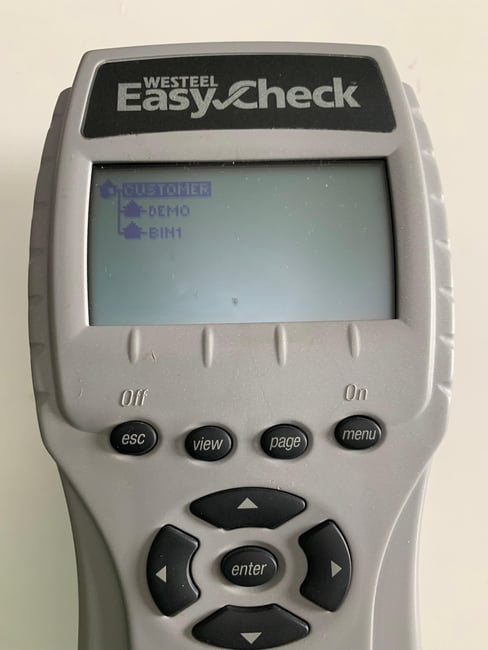
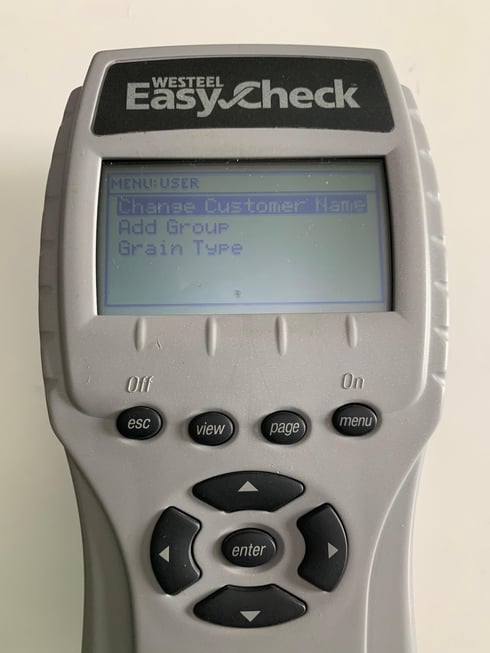
- Next, click the Menu Button again to go into Settings.
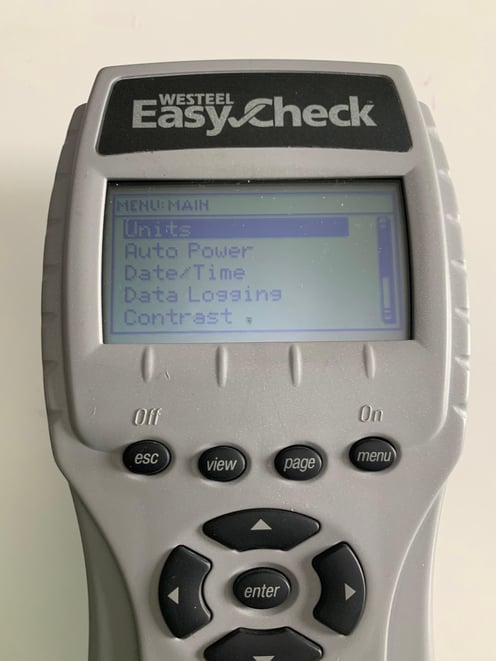
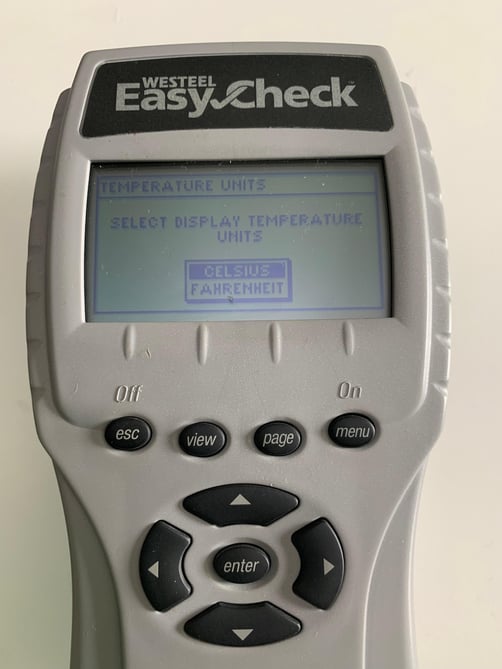
- Click Enter to select the Units settings.
- Use the Up and Down Arrows to select what Unit you will like to use for your temperature readings.
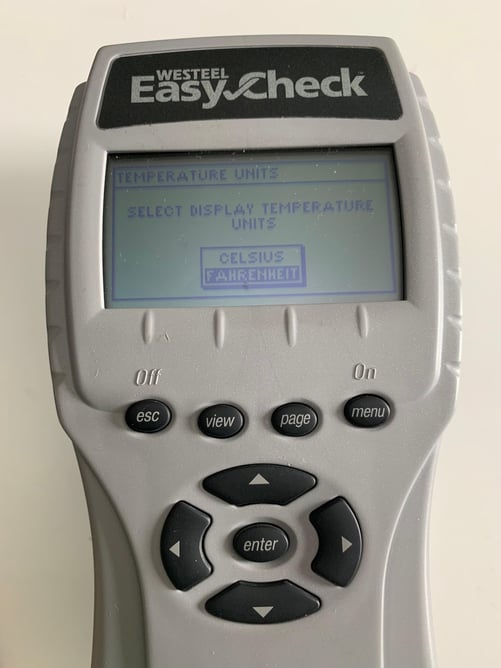
- Lastly, press the ESC button to go back or exit.