![OPI_with_Tag_RGB_300dpi_3in_tall-1.png]](https://knowledge.opisystems.com/hs-fs/hubfs/OPI_with_Tag_RGB_300dpi_3in_tall-1.png?height=50&name=OPI_with_Tag_RGB_300dpi_3in_tall-1.png)
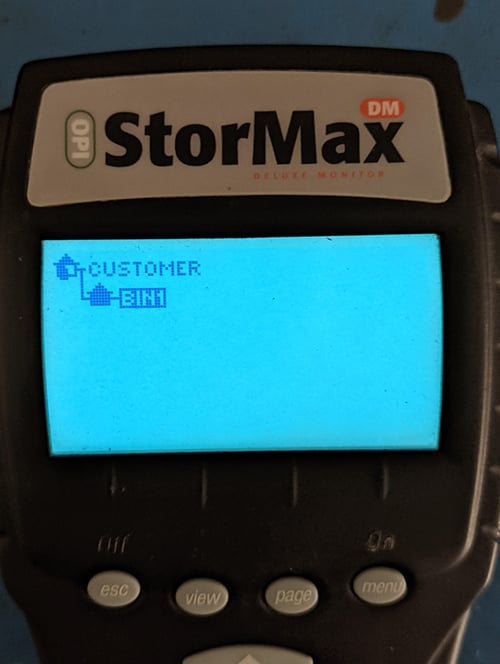
- Turn on the monitor and get to the main page
- Press Menu to Select the Bin.
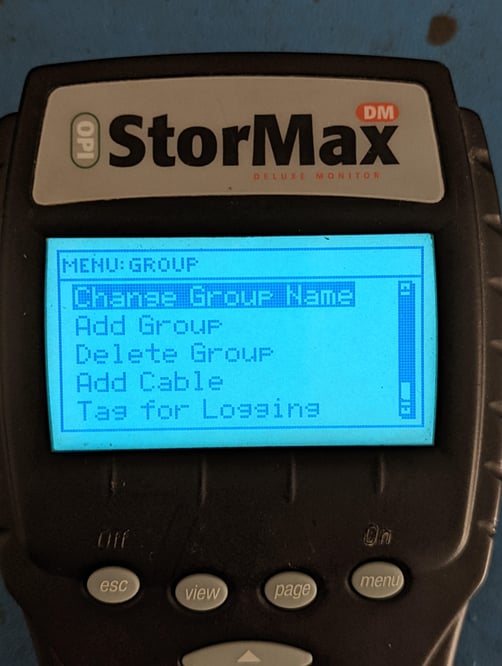
- Under the group menu, scroll down and press the menu button to select Add cable
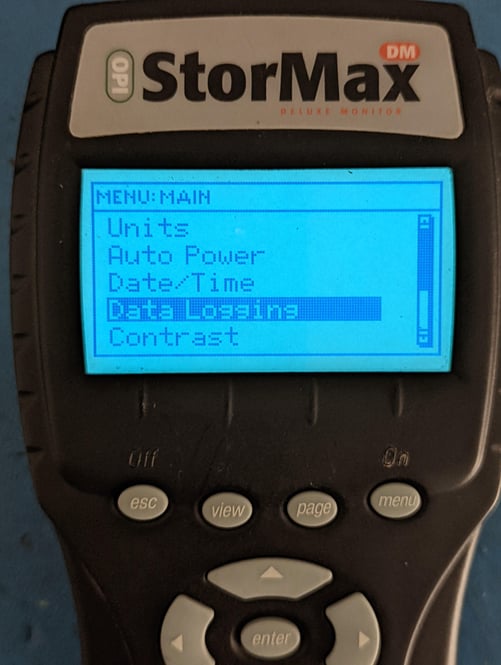
- Next, scroll and select Data Logging
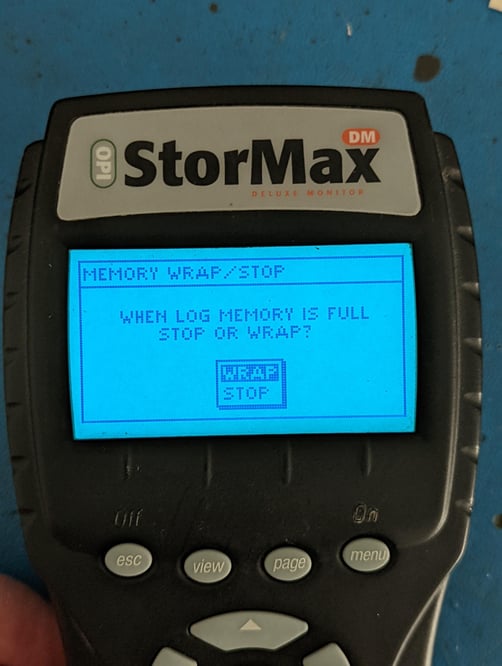
- Select Memory Wrap/Store
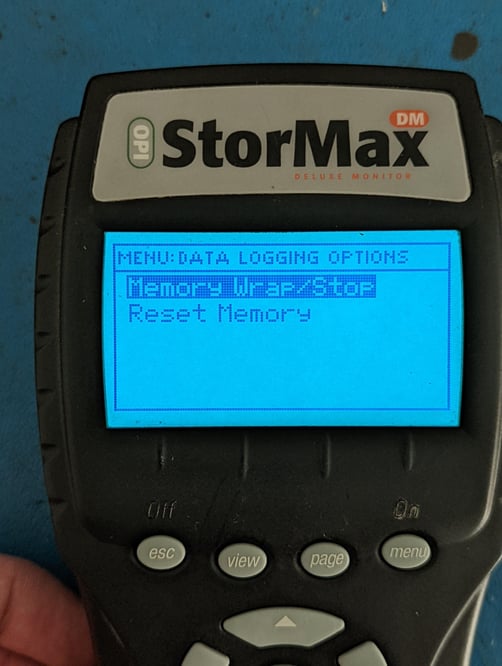
- Select Wrap to overwrite old data with new data. Press Enter.